
Configuration
We will show how to use the configuration system of HCIPy: what it is and when to use it, how to read and change configuration values, both from within Python, from a configuration file, and from environment variables, and how to react to changes to the configuration.
We first start by importing the relevant modules.
from hcipy import *

import os
from pathlib import Path

import numpy as np
import matplotlib.pyplot as plt

%matplotlib inline
What is the configuration?
HCIPy has a small number of settings that influence its internal
behaviour. These settings live in a single global object, the
Configuration, which you can access from anywhere in your code:
fft_methodandfft_emulate_fftshifts- which FFT libraries to use and in which order, and whether to emulatefftshiftbehaviour inside the fast Fourier transforms.fft_runtime_coeffs,mft_runtime_coeffs, andzfft_runtime_coeffs- the coefficients used to predict the execution time of the fast, regularly sampled, and zoom Fourier transforms.mft_precompute_matrices,mft_allocate_intermediate, andnft_precompute_matrices- memory usage and speed trade-offs of the regularly sampled and naive (irregular-grid) Fourier transforms.ffmpeg_path- the path to theffmpegexecutable used for writing animations.cmap_psfandcmap_pupil_phase- the default colormaps for displaying point spread functions and pupil phases.use_array_api- an experimental setting that makes HCIPy use array API compliant backends throughout.
Every one of these settings has a sensible default, so you normally do
not need to touch the configuration at all. The configuration is meant
for settings that differ per machine or per user: the FFT libraries that
happen to be installed on your system, the preferred colormap for
displaying point spread functions, or the location of the ffmpeg
executable, for example.
Settings that are part of your experiment (the wavelength, the number of pixels of your pupil grid, the modulation of your wavefront sensor) do not belong in the configuration: pass those to the relevant functions and classes directly.
print(Configuration())
fft_emulate_fftshifts=True fft_method=['mkl', 'scipy', 'fftw', 'numpy'] fft_runtime_coeffs=(3.746, 0.881, -4.749) mft_precompute_matrices=True mft_allocate_intermediate=True mft_runtime_coeffs=(1.667, 0.716, -4.624) nft_precompute_matrices=False zfft_runtime_coeffs=(4.093, 0.847, -2.973) ffmpeg_path=None cmap_psf='inferno' cmap_pupil_phase='RdBu' use_array_api=False
Reading configuration values
All fields live directly on the Configuration instance, so you can
read a value with plain attribute access:
print(Configuration().fft_method)
print(Configuration().cmap_psf)
print(Configuration().use_array_api)
print(Configuration().fft_runtime_coeffs)
['mkl', 'scipy', 'fftw', 'numpy']
inferno
False
(3.746, 0.881, -4.749)
Changing values in code
Assigning a new value is just as straightforward. Every assignment is validated: the value must have the correct type, and the field must exist. Unknown fields are rejected as well, which catches typos early.
Configuration().cmap_psf = 'plasma'

print(Configuration().cmap_psf)
plasma
from pydantic import ValidationError

try:
    Configuration().fft_method = 'scipy'
except ValidationError as err:
    print('Wrong type:', err.errors()[0]['msg'])

try:
    Configuration().cmap_psf = 42
except ValidationError as err:
    print('Wrong type:', err.errors()[0]['msg'])

try:
    Configuration().nonexistent = 1
except ValidationError as err:
    print('Unknown field:', err.errors()[0]['msg'])
Wrong type: Input should be a valid list
Wrong type: Input should be a valid string
Unknown field: Object has no attribute 'nonexistent'
To restore the defaults, or to pick up changes made in the configuration
files or environment variables, call Configuration().reset(). This
re-reads all sources and replaces the current values. For fully
reproducible runs, you can call
Configuration().reset(enable_user_overrides=False) to ignore the two
configuration files and the HCIPY_* environment variables entirely,
and use only the built-in defaults.
Configuration().reset()

print(Configuration().cmap_psf)
inferno
Changing values in a configuration file
HCIPy reads two YAML configuration files when the configuration is (re)loaded:
./hcipy_config.yaml, a configuration file in the current working directory, for settings that belong to a specific project, and~/.hcipy/hcipy_config.yaml, a user configuration file, for settings that apply to all of your projects (the~is expanded to your home directory).
The structure of these files mirrors the structure of the
Configuration exactly: each field appears as a simple YAML key with
the same name as the corresponding attribute of the Configuration.
The files are read only when the configuration is loaded, so after
editing one of them you need to call Configuration().reset() (or
restart Python).
Let’s write a project configuration file and load it:
Path('hcipy_config.yaml').write_text("""
fft_method:
  - scipy
  - numpy
fft_runtime_coeffs: [3.5, 0.8, -4.5]
cmap_psf: magma
""")

Configuration().reset()

print(Configuration().fft_method)
print(Configuration().fft_runtime_coeffs)
print(Configuration().cmap_psf)
['scipy', 'numpy']
(3.5, 0.8, -4.5)
magma
A file with unknown fields is rejected in the same way as an invalid assignment from Python, telling you exactly what went wrong. This is very useful when a configuration file has become stale after a HCIPy update:
Path('hcipy_config.yaml').write_text('fourier:\n  use_mkl: true\n')

try:
    Configuration().reset()
except ValidationError as err:
    print(err.errors()[0]['loc'], '-', err.errors()[0]['msg'])
('fourier',) - Extra inputs are not permitted
Path('hcipy_config.yaml').unlink()
Configuration().reset()
Changing values in environment variables
Every configuration field can also be set through an environment
variable. The environment variable name is the field name with the
prefix HCIPY_. Setting HCIPY_CMAP_PSF, for example, sets
cmap_psf:
Environment variables are parsed in the same way as YAML: numbers become
numbers, True and False become booleans, and lists are given as
JSON, as you can see for fft_method below.
Environment variables take precedence over the configuration files. This makes them ideal for temporary changes, and for scripts or CI runs in which you want to override values without touching any files.
os.environ['HCIPY_CMAP_PSF'] = 'cividis'
os.environ['HCIPY_FFT_METHOD'] = '["scipy"]'
os.environ['HCIPY_USE_ARRAY_API'] = 'True'

Configuration().reset()

print(Configuration().cmap_psf)
print(Configuration().fft_method)
print(Configuration().use_array_api)
cividis
['scipy']
True
Note that currently some settings, such as use_array_api, are only
read at the moment HCIPy is imported and cannot be changed afterwards.
For those, set the environment variable (or the configuration file)
before importing HCIPy in your script.
Environment variables set during a session stay around until they are removed or the process exits:
del os.environ['HCIPY_CMAP_PSF']
del os.environ['HCIPY_FFT_METHOD']
del os.environ['HCIPY_USE_ARRAY_API']

Configuration().reset()
print(Configuration().cmap_psf)
inferno
Precedence
The sources are, from most to least important:
assignments made in Python (
Configuration().cmap_psf = ...),environment variables (
HCIPY_*),the project configuration file
./hcipy_config.yaml,the user configuration file
~/.hcipy/hcipy_config.yaml,the built-in defaults.
Let’s verify this with an example in which the same field is set in both a configuration file and an environment variable. The environment variable wins as long as it is set; once it is removed, the value from the file shows up again:
Path('hcipy_config.yaml').write_text('cmap_psf: plasma\n')

os.environ['HCIPY_CMAP_PSF'] = 'cividis'
Configuration().reset()
print('With environment variable:', Configuration().cmap_psf)

del os.environ['HCIPY_CMAP_PSF']
Configuration().reset()
print('With file only:          ', Configuration().cmap_psf)

Path('hcipy_config.yaml').unlink()
Configuration().reset()
print('With neither:            ', Configuration().cmap_psf)
With environment variable: cividis
With file only:           plasma
With neither:             inferno
Reacting to configuration changes
Sometimes you want your code to update itself when the configuration
changes, for example to reset a cache or to reconfigure a backend. The
on_config_change decorator registers a function that is called
whenever a value is assigned to the configuration or when the
configuration is reloaded with Configuration().reset(). The function
receives the Configuration itself, and should read the values it
needs from it.
The callback is called after every assignment, even if the value did not actually change, and it is not called during the initial loading of the configuration. The callback should also not assign new values to the configuration, as that would trigger it again.
events = []

@on_config_change
def track(configuration):
    events.append((configuration.cmap_psf, configuration.use_array_api))

Configuration().cmap_psf = 'viridis'
Configuration().reset()

print(events)
[('viridis', False), ('inferno', False)]
A practical example
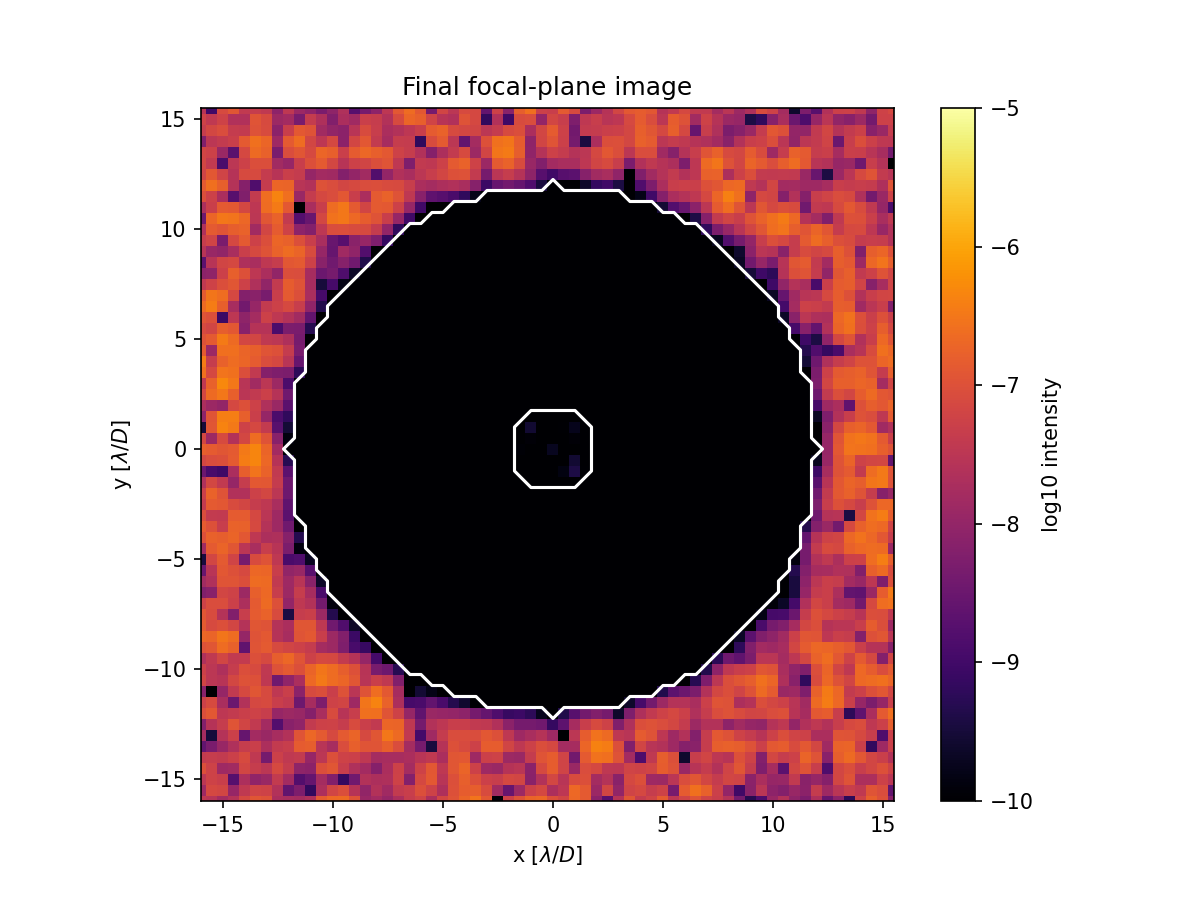
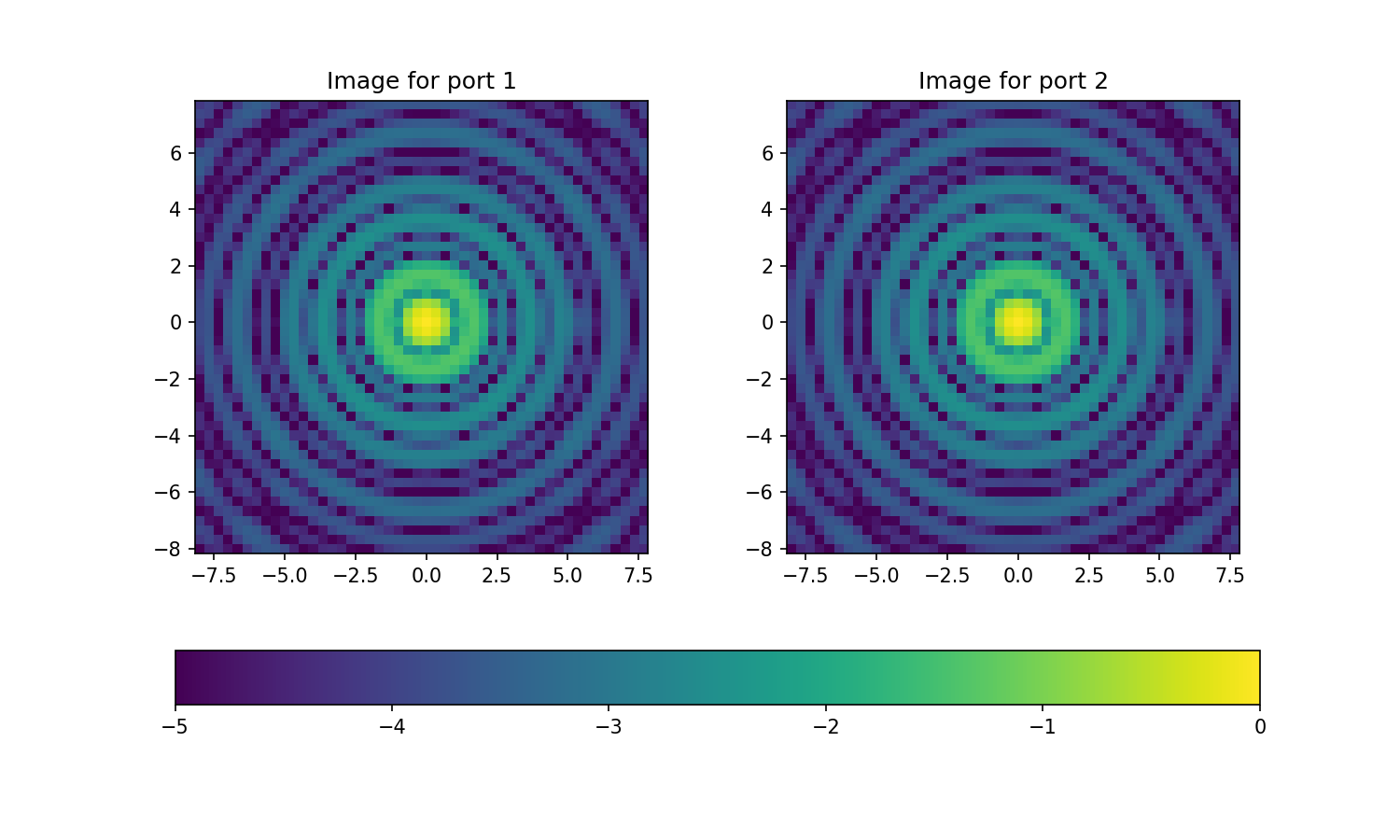
Perhaps the most visible use of the configuration is the default
colormap of imshow_psf, which is read from cmap_psf every time a
figure is made. Let’s compute a point spread function and show it with
the default colormap:
grid = make_pupil_grid(256)
aperture = evaluate_supersampled(make_circular_aperture(1), grid, 8)

fourier_transform = FastFourierTransform(grid, q=4, fov=0.25)
psf = np.abs(fourier_transform.forward(aperture))**2

imshow_psf(psf)
plt.show()
Configuration().cmap_psf = 'viridis'

imshow_psf(psf)
plt.show()

Configuration().cmap_psf = 'inferno'
Summary
The
Configurationis a global singleton with a flat set of fields covering the Fourier transforms, plotting preferences, and experimental features. Read and assign values with attribute notation, and every assignment is validated.Values can be set in code, in
HCIPY_*environment variables, in the project file./hcipy_config.yaml, and in the user file~/.hcipy/hcipy_config.yaml, in that order of precedence, with the built-in defaults as fallback.Call
Configuration().reset()to re-read the configuration files and environment variables, orConfiguration().reset(enable_user_overrides=False)to ignore both and use only the built-in defaults.Decorate a function with
@on_config_changeto be notified of every assignment and reload.